Start with your business.
Add opening hours and appointment process, your coverage, process and escalation contacts. Aiva™’s answers depend on this information being current.
A connected first response for administrative pet-care inquiries. Route clinical questions to the practice and keep automated help administrative.
“Can you help me with administrative pet-care inquiries?”
Configure your intake flow to collect:
Collect only the information you need. Review the questions, consent and access settings before publishing.
Give Aiva™ your current information about opening hours and appointment process. Use approved links for information that changes, such as availability or prices.
The conversation becomes a clear next action when your configured flow creates a ticket.
Add opening hours and appointment process, your coverage, process and escalation contacts. Aiva™’s answers depend on this information being current.
Collect pet species and appointment reason early. Keep the conversation attached so a customer can explain once.
Send urgent animal-health concerns or clinical questions to a person. Use a ticket, queue or supervisor flag rather than leaving the next step buried in a transcript.
Use the free website workspace, add a $29/month AI Concierge Line™ when calls matter, and add Advanced AI™ or Fly™ when you need their capabilities.
Agent licenses, voice Diamonds and optional tools are separate. A phone subscription is not an all-inclusive channel bill.
Build a realistic budgetYes! Aivagenta™ can automatically generate an integration with any platform that exposes the API action you need. For this business, explore ezyVet or ezyVet: Under an approved partner arrangement, retrieve a verified client's appointment context. FliPath™ generates the task configuration and data mapping; connect your authorized account, review the workflow and activate it. See potential connections and setup details ↓
Configure a human handoff for urgent animal-health concerns or clinical questions. Your team should decide the priority, staffing and response commitment.
Add your business information and generate a draft flow, then test representative inquiries and handoffs. Website setup can move quickly; phone provisioning, SMS registration and WhatsApp onboarding have separate requirements.
Choose the platform you already use, then connect the customer conversation to the next supported action.
Aivagenta™ can automatically generate an integration for any platform that exposes the API action your workflow needs. Describe the outcome in FliPath™, connect your authorized account and activate your reviewed workflow.
Under an approved partner arrangement, retrieve a verified client's appointment context.
Official ezyVet API documentation ↗OAuth 2.0 client-credentials bearer tokens with approved scopes. Vendors distributing integrations need the commercial-partner application route. Private-integration credentials cannot simply be handed to a third-party company under the published private terms. Approval and agreement are required. Private read-only implementations list a one-time setup fee; write-back adds recurring per-location fees. Those private terms are not a commercial-partner quote. Each hospital needs integration setup and approved scope; obtain a permitted arrangement before enabling a FliPath™ task.
Explore approved appointment write-back for administrative intake; clinical questions remain with the veterinary team.
Official ezyVet API documentation ↗OAuth 2.0 client-credentials bearer tokens with approved scopes. Vendors distributing integrations need the commercial-partner application route. Private-integration credentials cannot simply be handed to a third-party company under the published private terms. Approval and agreement are required. Private read-only implementations list a one-time setup fee; write-back adds recurring per-location fees. Those private terms are not a commercial-partner quote. Each hospital needs integration setup and approved scope; obtain a permitted arrangement before enabling a FliPath™ task.
These are potential custom connections based on the linked vendor documentation. Available actions follow your API access, permissions and plan.
Explore more integration possibilities ↗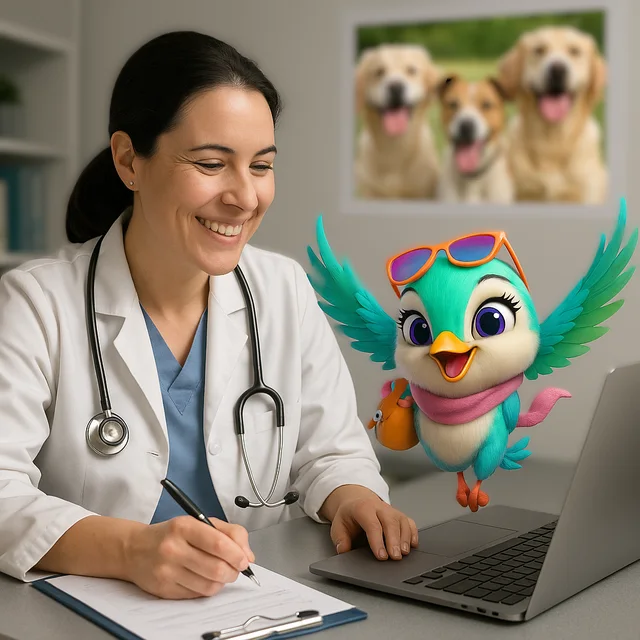
Help with opening hours, appointment requests and contact details. Route clinical questions and urgent animal-health concerns to the practice.
Explore a structured handoff ↗Give them a useful first answer. Give yourself a clearer next step.